HTTP / website monitors
Check that a website or API endpoint is up and responding.
An HTTP/S monitor requests a URL on a schedule and confirms it responds. It's the right choice for websites, web apps, and API endpoints.
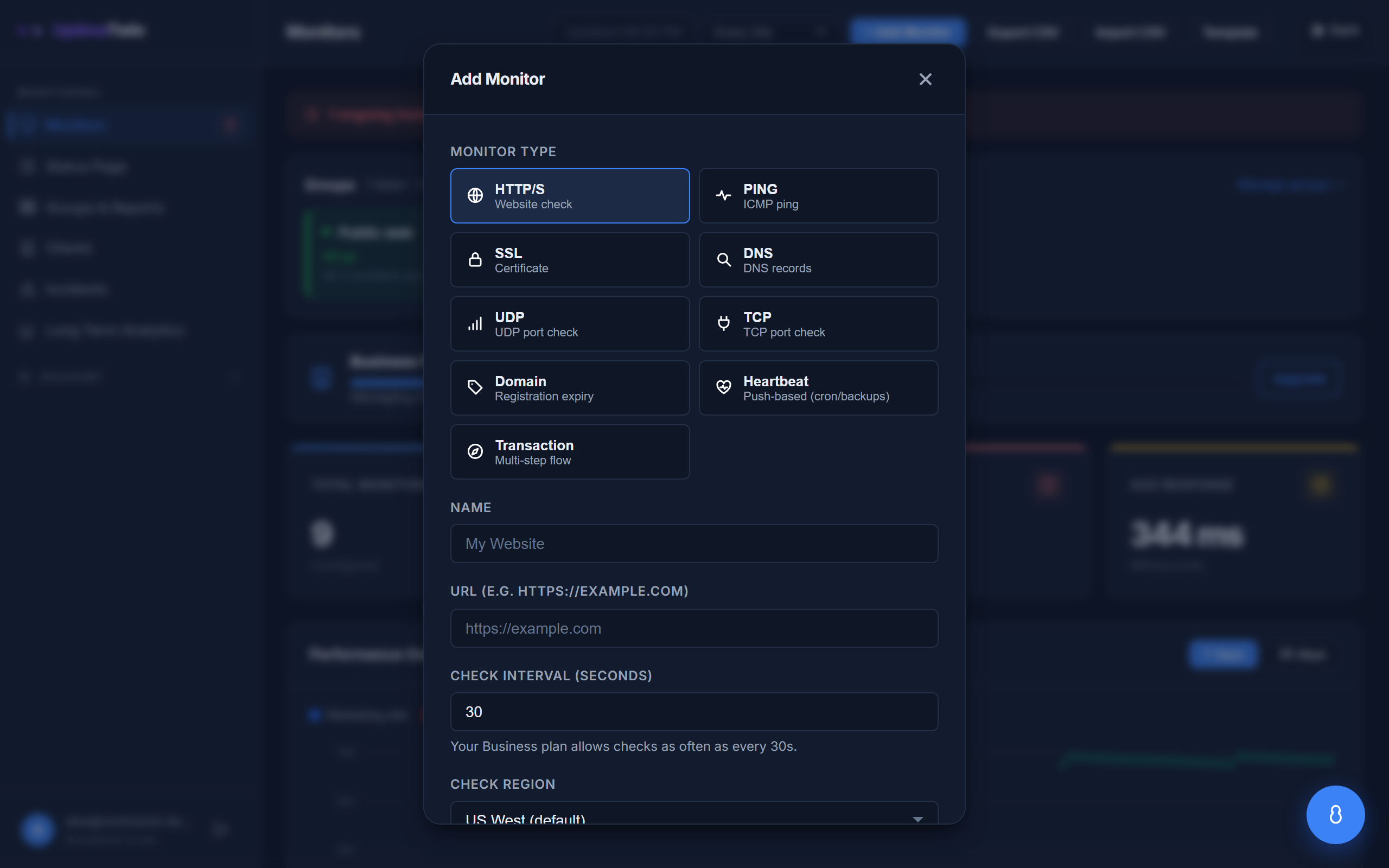 HTTP/S is the default type. Give it a name and the full URL, including
 https://.
Setting it up
- Target — the full URL, including
https://, e.g.https://example.comorhttps://api.example.com/health. - Point it at a lightweight, reliable URL. A dedicated health-check endpoint (say,
/health) is ideal because it loads fast and doesn't depend on every part of your app.
What counts as up or down
The monitor is up when the URL responds successfully, and down when it can't connect, times out, or returns an error response. The dashboard shows the response time of each check so you can spot slowdowns before they become outages.
Some refusals are not outages. If the site answers 429 Too Many Requests, serves a bot-protection challenge instead of the page, or returns a 503 that asks us to retry later, the check is recorded as throttled rather than down — the service is up and declining us, which is not an outage and will not alert you. See check intervals for how we handle sites that do this consistently.
Response time and "degraded"
We record how long each request takes. If a monitor starts responding much slower than its normal baseline, it's flagged degraded — up, but worth a look. This catches creeping performance problems that a simple up/down check would miss.
Tips
- If your site is behind a firewall or allowlist, make sure our checkers can reach it — see Allowing our checkers through your firewall.
- Only care that the certificate is valid and current? Add a separate SSL monitor alongside your HTTP one.
- Choose where we check from with check regions.
Get started
Related
Last updated 2026-09-06