Check regions
Choose which part of the world we check your service from.
By default we check your monitors from the United States. On Pro, Business and MSP you can choose the region a monitor is checked from, so you're testing the experience your users actually get.
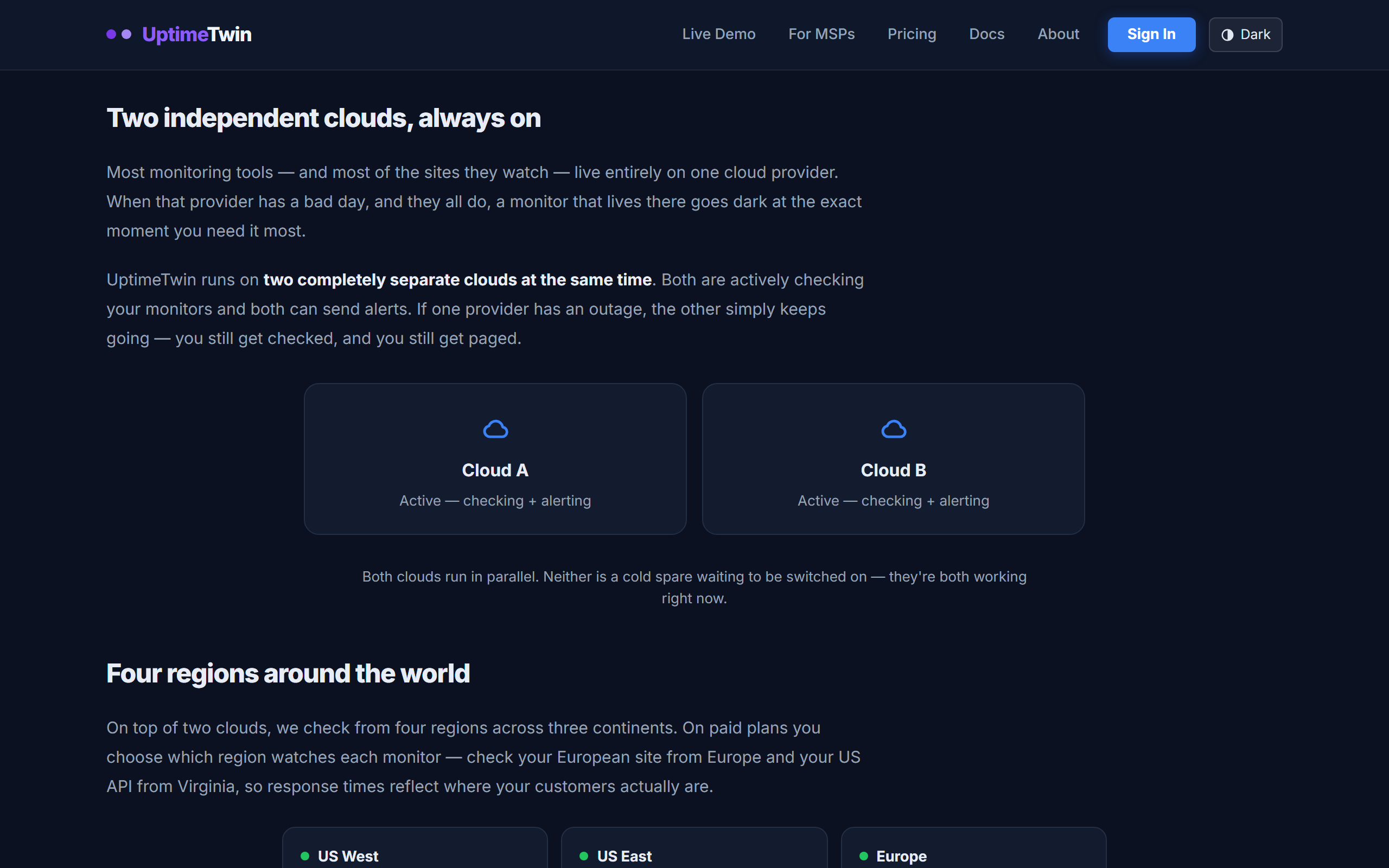 Our monitoring runs active-active on two independent clouds across four regions.
Each monitor is checked from the one region you choose; if one cloud has an outage,
the other keeps checking and keeps paging.
Our monitoring runs active-active on two independent clouds across four regions.
Each monitor is checked from the one region you choose; if one cloud has an outage,
the other keeps checking and keeps paging.
Available regions
- US West (default)
- US East
- Europe
- Asia-Pacific
When it matters
- Match your audience. If most of your users are in Europe, checking from Europe reflects their real latency and reachability.
- Regional issues. A network problem between one region and your host can look like an outage from there but be fine elsewhere. Checking from the right region keeps your results meaningful.
Firewalled services
Whichever region you choose, the checks come from a small, fixed set of IP addresses. If your service only allows known IPs, add ours to your allowlist — see Allowing our checkers through your firewall.
Get started
Related
Last updated 2026-10-12