IPv4 and IPv6 checks
Choose whether a monitor is checked over IPv4, IPv6, or whichever answers.
Every monitor has an IP Version setting. It decides which kind of address we use when we check your service.
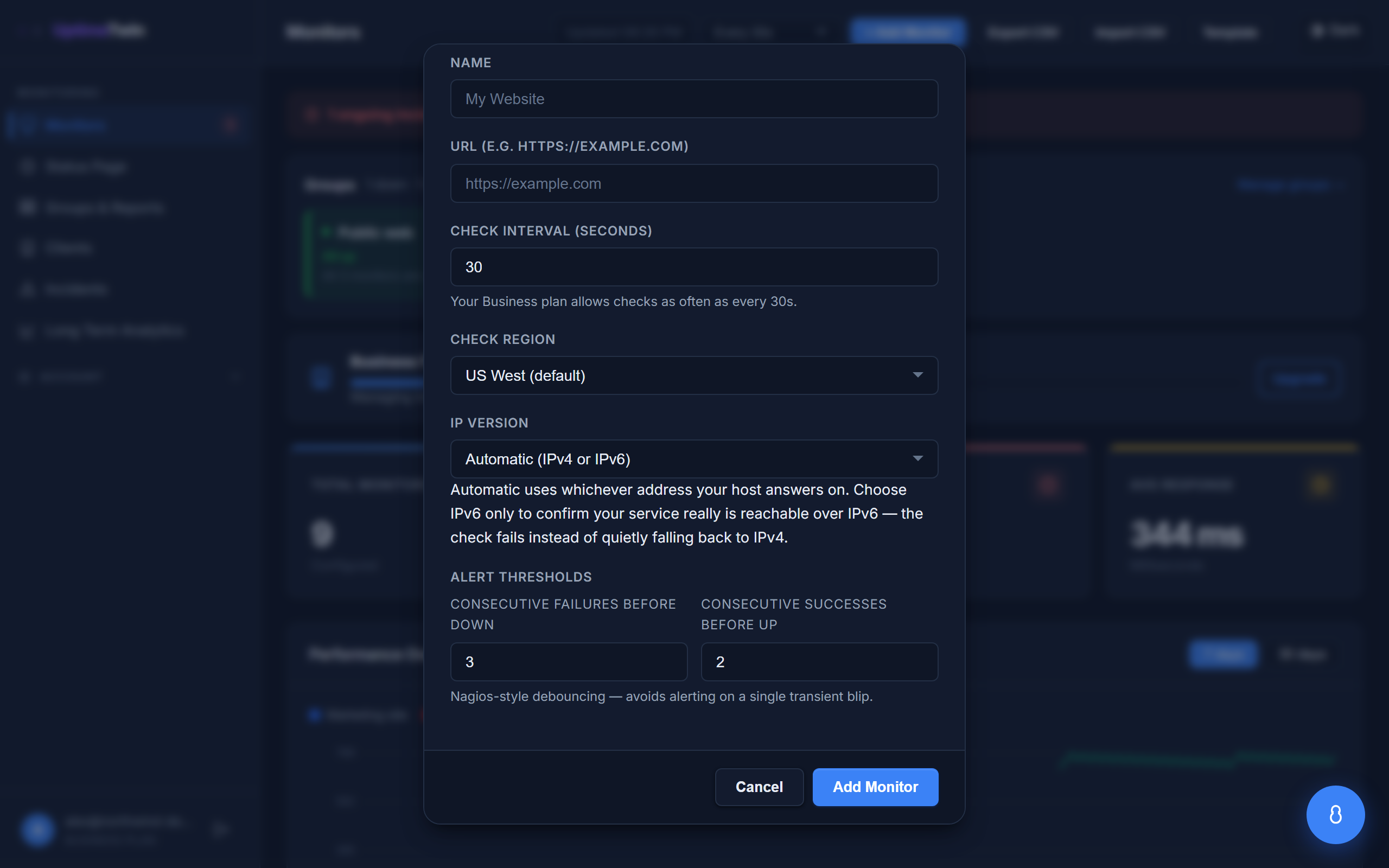 Automatic is the default. Pick IPv6 only when you specifically want to prove
IPv6 works - it fails instead of quietly falling back.
Automatic is the default. Pick IPv6 only when you specifically want to prove
IPv6 works - it fails instead of quietly falling back.
The three choices
Automatic (the default) — we use whichever address your host answers on. If your
domain has both an IPv4 (A) and an IPv6 (AAAA) record, we try one and fall back to
the other, so a monitor stays up as long as either works. This is what you want for
most monitors.
IPv4 only — we check the A record and nothing else.
IPv6 only — we check the AAAA record and nothing else. If your host has no IPv6
address, or IPv6 is broken while IPv4 is fine, the check fails rather than quietly
falling back. That's the point: it's the only way to prove your service really is
reachable over IPv6.
Why pin to IPv6
Automatic mode hides IPv6 problems. If your AAAA record points somewhere broken, an
automatic check falls back to IPv4, reports "up", and you never find out — while
IPv6-only visitors (increasingly common on mobile networks) can't reach you at all.
A common setup is two monitors on the same host: one IPv4 only and one IPv6 only. You then see exactly which side of your stack is unhappy, instead of one monitor that goes green as long as anything answers.
What you'll see when it fails
If you pin a monitor to a family your host doesn't publish, the check reports a clear
reason — for example "example.com has no usable IPv6 (AAAA) address, but this monitor
is pinned to IPv6" — rather than a vague timeout. That message usually means the
AAAA record is missing, not that your server is down.
Firewalls
If you allow our checkers through a firewall, allow our IPv6 addresses as well as our IPv4 ones — many firewalls treat the two separately, so an IPv6 check can be blocked even though you allowed our IPv4. See Allowing our checkers through your firewall.
Get started
Related
Last updated 2026-07-23