TCP & UDP port monitors
Check that a specific port on a server is open and answering.
Port monitors check a single port on a host — perfect for services that aren't websites, like databases, mail servers, SSH, or game servers.
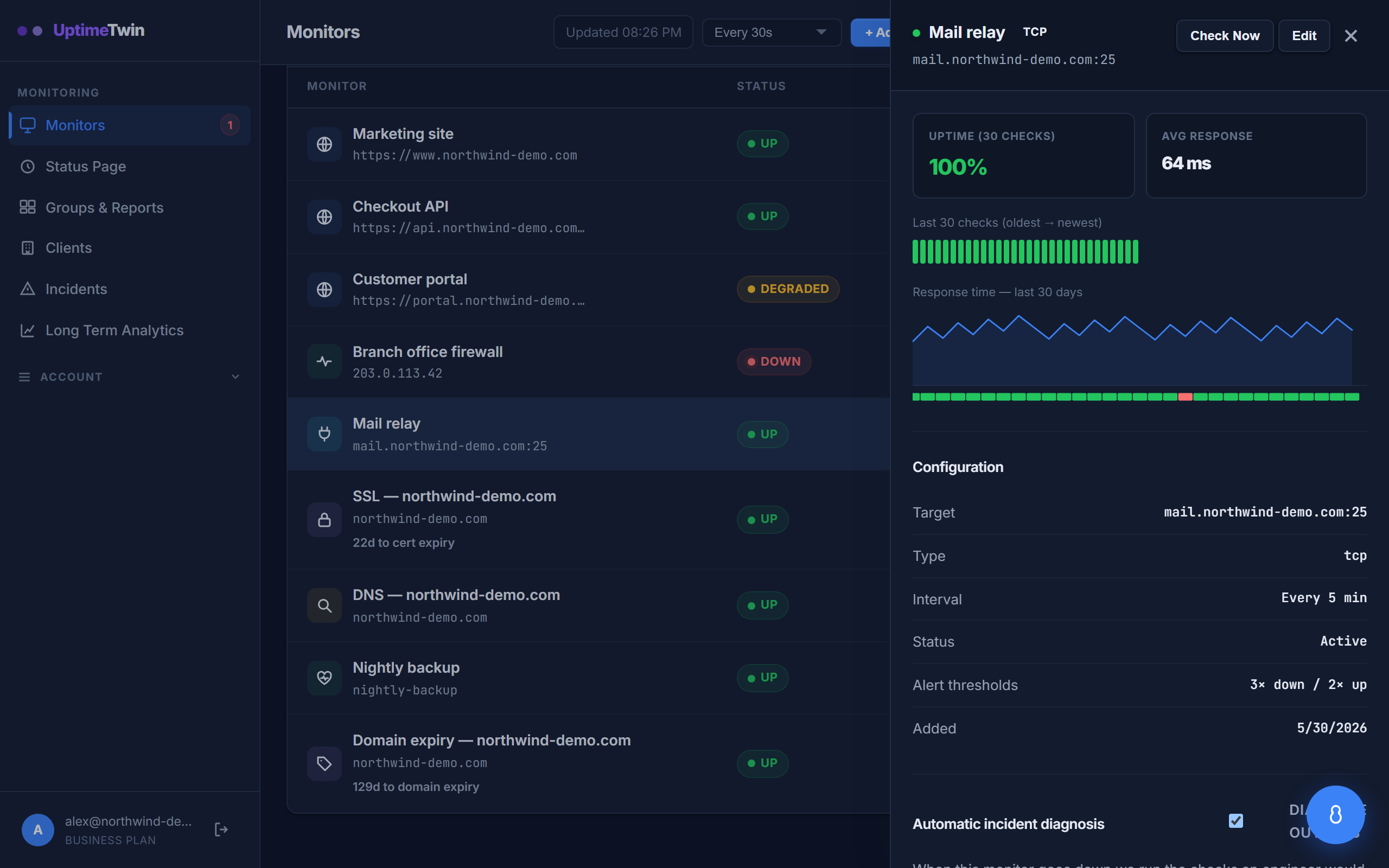 A TCP monitor on a mail relay. The target is written as
 host:port.
- TCP monitors (all plans) confirm a TCP port accepts a connection.
- UDP monitors (Pro, Business and MSP) confirm a UDP service is reachable.
Setting it up
- Target —
host:port, e.g.db.example.com:5432or8.8.8.8:53.
What counts as up or down
- A TCP monitor is up when a connection to the port completes, and down only if every attempt is refused or times out. We retry briefly before calling it down, so a single dropped packet won't cause a false alarm.
- A UDP monitor is up when the service replies or silently accepts the probe, and down only when the port is confirmed closed or unreachable. Because UDP is connectionless, "up" often just means "nothing rejected it".
Monitoring SMTP (port 25)
Mail servers listen on port 25, and you can absolutely watch it with a TCP monitor. One rule applies: port 25 checks run at most once every 2 minutes. Connecting to a mail port too frequently looks like spam activity to anti-spam systems, which can get the checking servers temporarily blocked — and that would show up as false "down" alerts. The 2-minute minimum keeps your monitor accurate and protects the checking network. This is a fixed technical limit, not a plan restriction, and the form enforces it automatically.
Good to know
- Some networks block or rate-limit certain outbound ports (25 in particular). If a port monitor flaps, check whether something between us and your host is throttling connections.
- A port being open doesn't guarantee the service behind it is healthy — but it's a strong, lightweight signal.
Get started
Related
Last updated 2026-10-12