Heartbeat monitors
Know when a cron job, backup, or scheduled task fails to run.
Most monitors reach out to check something. A heartbeat monitor works the other way around: your job checks in with us. If the check-in doesn't arrive on time, we alert you. It's the way to catch a nightly backup, cron job, or scheduled task that silently stopped running.
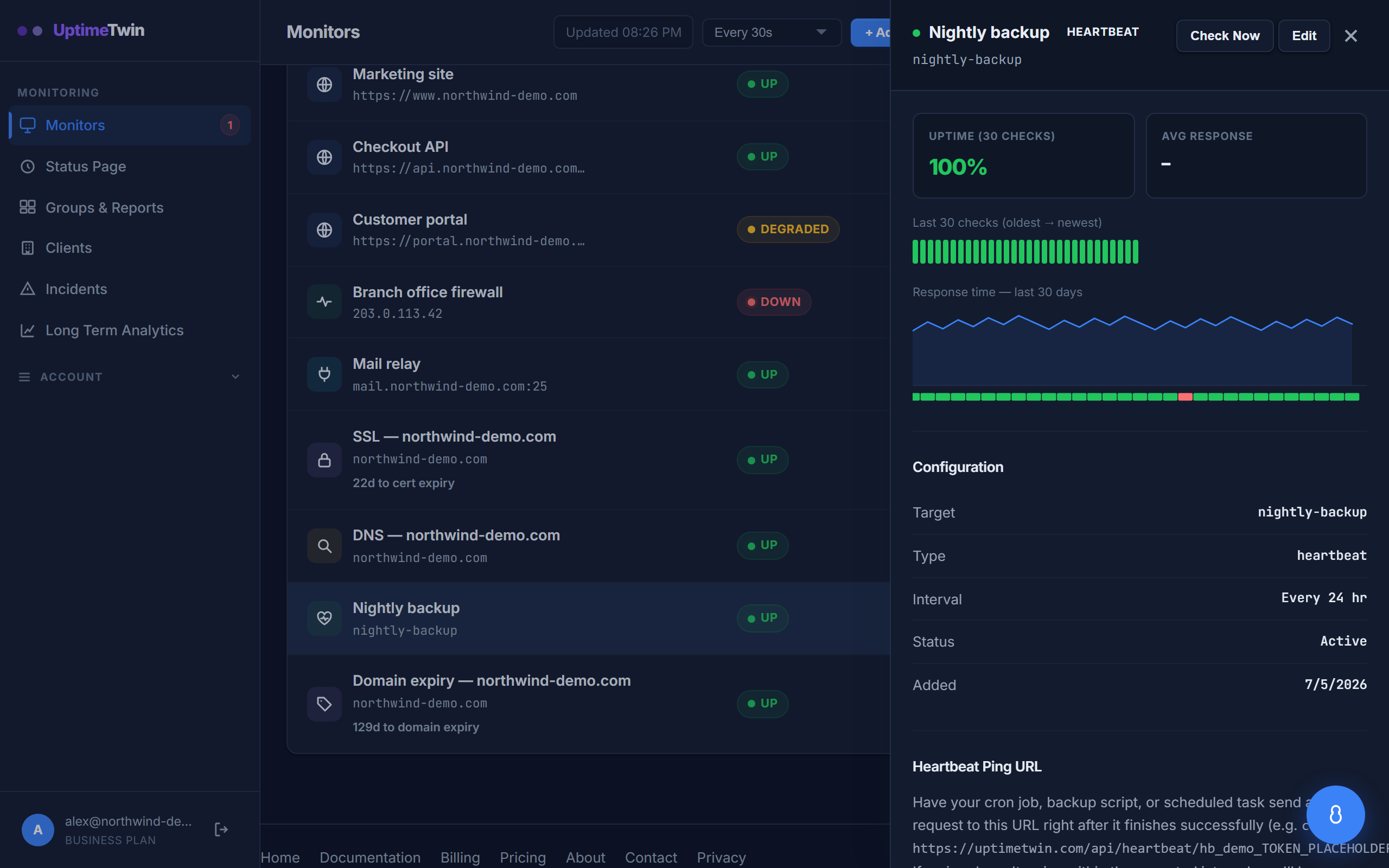 Each heartbeat monitor gets its own ping URL. Have your job call it on success -
if the call doesn't arrive in time, we alert you.
Each heartbeat monitor gets its own ping URL. Have your job call it on success -
if the call doesn't arrive in time, we alert you.
Heartbeat monitors are available on Pro, Business and MSP.
How it works
- Create a heartbeat monitor and give it an expected interval — how often the job should check in (for a nightly backup, roughly 24 hours).
- We give you a unique ping URL.
- At the end of your job, have it send a request to that URL — for example:
curl -fsS https://…/your-heartbeat-url - Each successful ping resets the clock. If no ping arrives within the expected window, the monitor goes down and you're alerted.
Where to put the ping
Add it as the last step of your job, so it only fires when the job actually finished successfully. If the job crashes partway through, no ping is sent — and that's exactly the failure you want to hear about.
Good to know
- Give the interval a little slack so normal variation in run time doesn't trip a false alert.
- Heartbeats are perfect for things that have no address to check from the outside — backups, data syncs, report generation, queue workers.
Get started
Related
Last updated 2026-10-12