Monitor types
All nine monitor types at a glance, and how to pick the right one.
A monitor is a single thing we check on a schedule. Pick the type that matches what you want to watch.
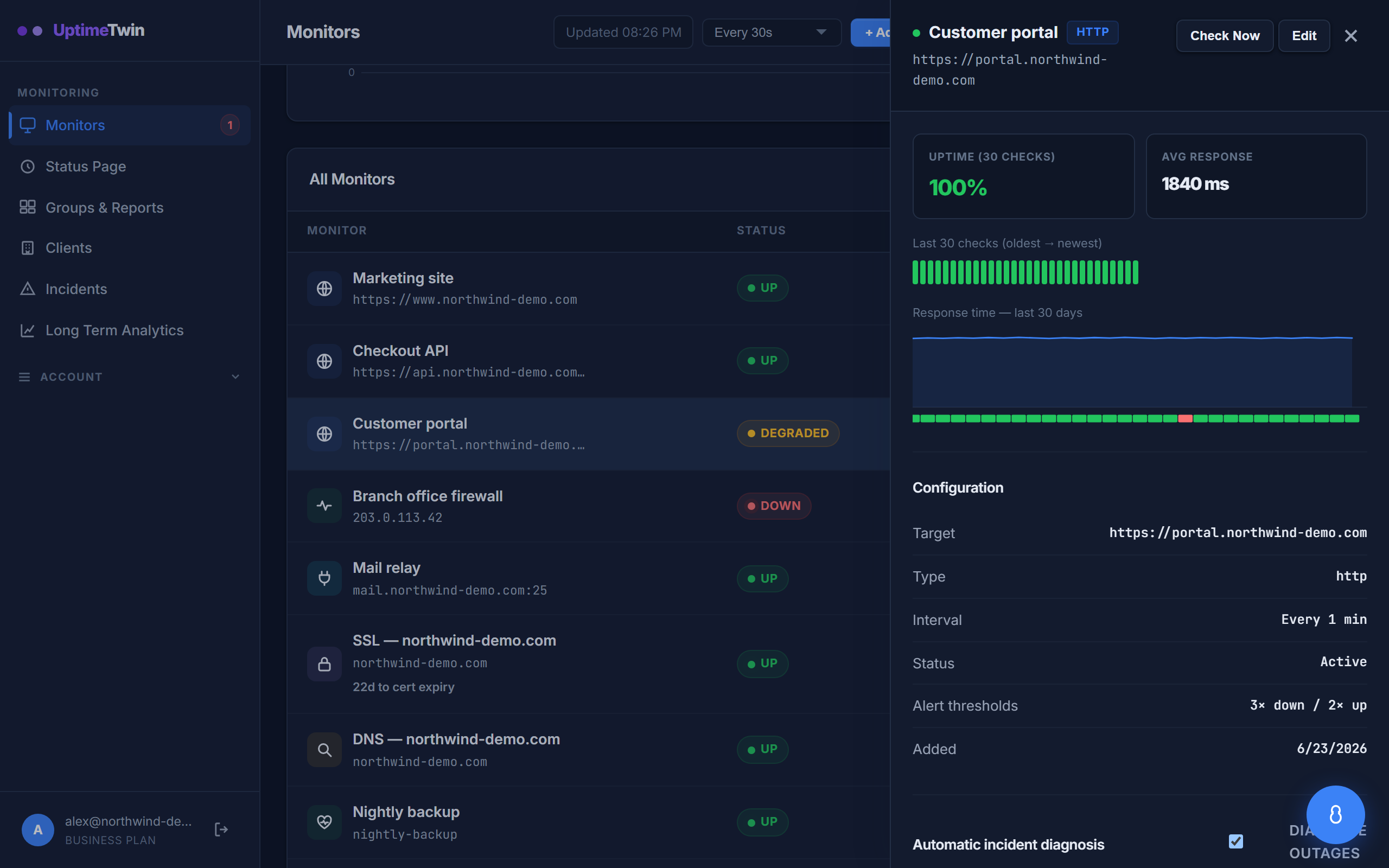 Selecting any monitor opens its detail panel — recent checks, response-time
history, and the exact settings it's running with.
Selecting any monitor opens its detail panel — recent checks, response-time
history, and the exact settings it's running with.
| Type | Checks that… | Plan |
|---|---|---|
| HTTP / website | a URL is up and returns a healthy response | All plans |
| Ping (ICMP) | a host or IP answers on the network | All plans |
| SSL certificate | a certificate is valid and not about to expire | All plans |
| DNS | a domain resolves as expected | All plans |
| TCP port | a TCP port (e.g. a database or mail port) accepts connections | All plans |
| UDP port | a UDP service is reachable | Pro, Business, MSP |
| Domain expiry | a domain registration isn't about to lapse | Pro, Business, MSP |
| Heartbeat | a scheduled job (cron, backup) actually ran | Pro, Business, MSP |
| Transaction | a multi-step flow — search, form, checkout — still works | Pro, Business, MSP |
How to choose
- Watching a website or API? Use an HTTP/S monitor — it's the most common and confirms the whole request actually works, not just that the server is on.
- Watching a server or device that has no web page (a router, a game server, a database)? Use Ping, TCP, or UDP depending on what it exposes.
- Want early warning before something expires? Add SSL and Domain monitors — these save you from the outages nobody sees coming.
- Watching something that runs out, like a nightly backup? A Heartbeat monitor alerts you when the job doesn't check in.
- Need more than one page to work? A Transaction monitor walks a short sequence — search, contact form, add to cart — and tells you which step broke.
You can run as many monitors as your plan allows, and mix any types you like. See Plans & limits for counts.
Get started
Related
Last updated 2026-10-12