Ping (ICMP) monitors
Check that a host or IP is reachable on the network.
A ping monitor sends ICMP echo requests to a host and confirms it answers. Use it for anything that should be reachable on the network but doesn't serve a web page — routers, firewalls, IoT devices, or a server you just want to know is alive.
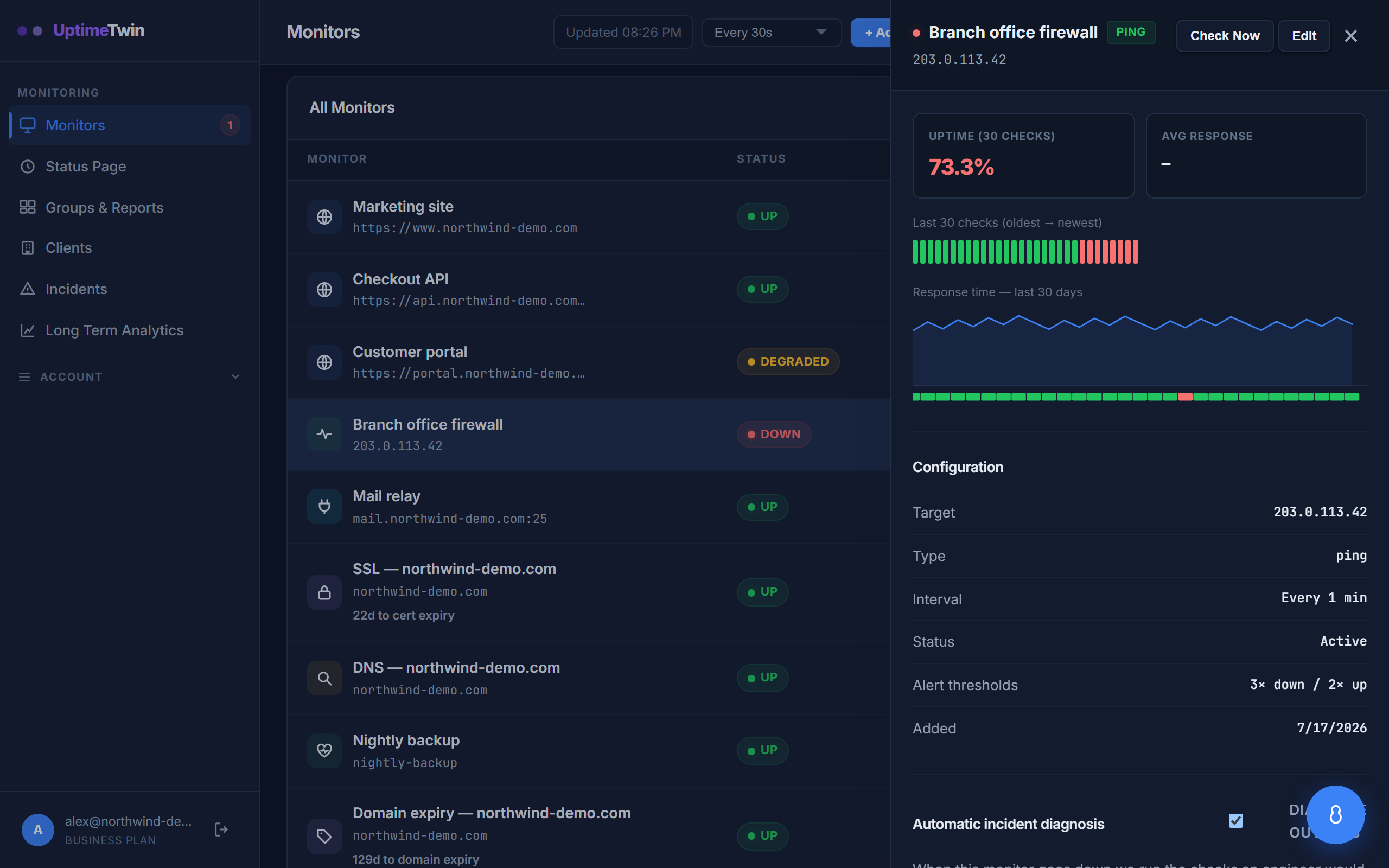 A ping monitor that stops answering. The bar of recent checks shows exactly when
it changed.
A ping monitor that stops answering. The bar of recent checks shows exactly when
it changed.
Setting it up
- Target — a hostname or IP address, e.g.
8.8.8.8orgateway.example.com. Nohttp://, no port.
What counts as up or down
We send several echo requests per check and treat the host as up if any of them come back. It's only marked down when every packet in the check is lost. This avoids false alarms from a single dropped packet, which is normal on the internet. The response time we report is the average round-trip of the successful replies.
Good to know
- Some hosts and networks block ICMP entirely. If a device is deliberately not answering pings, use a TCP monitor against a port it does expose instead.
- Ping tells you a host is reachable, not that the service on it is healthy. For a web app, pair ping with an HTTP monitor.
Get started
Related
Last updated 2026-07-15