Alert thresholds
Require a few failures in a row before we alert, to avoid noise.
The internet is noisy. A single failed check often means nothing — a momentary blip, not a real outage. Alert thresholds let you require a few failures in a row before a monitor is officially marked down, so you only hear about problems that stick.
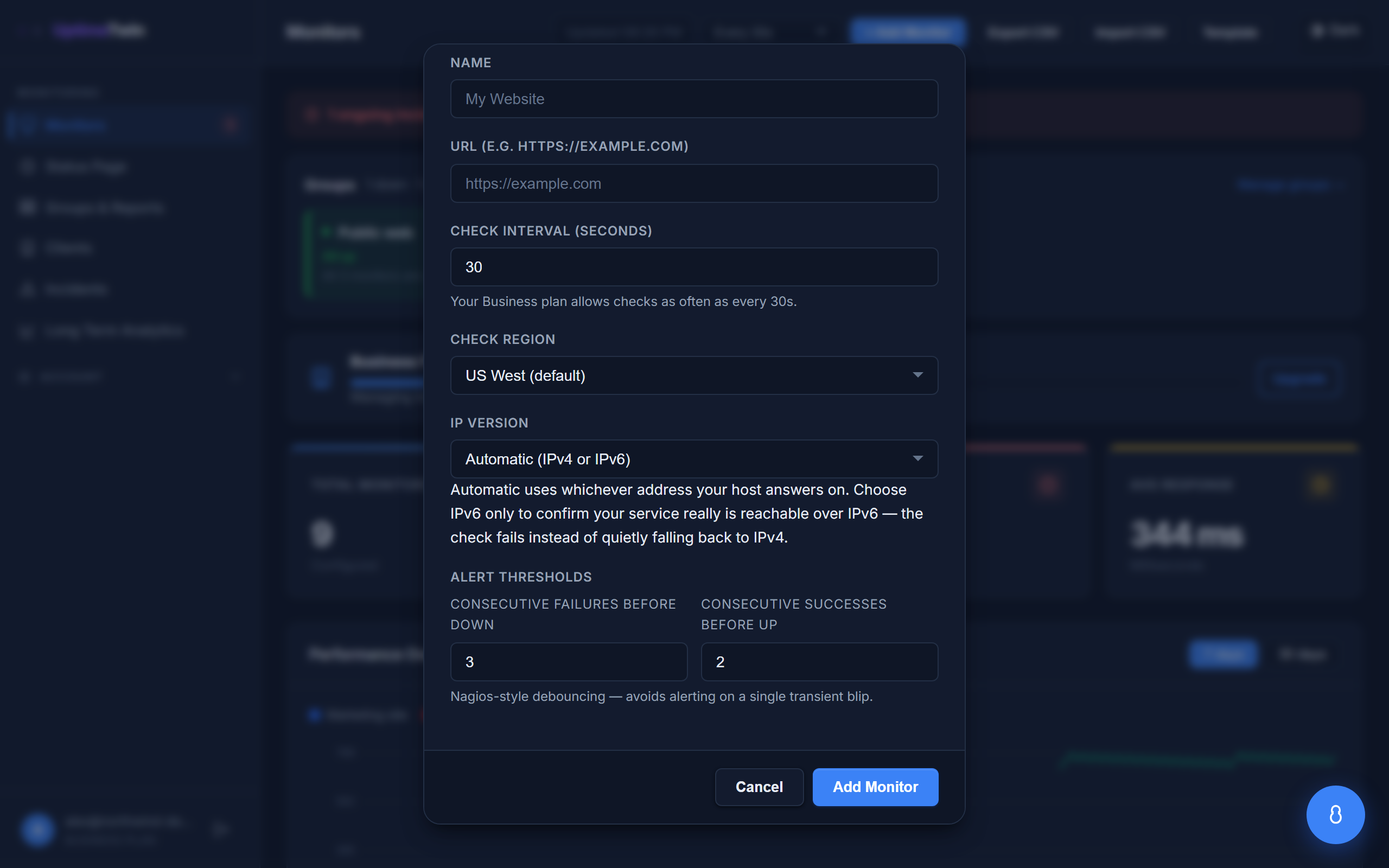 Both directions are configurable: how many failures before we call it down, and
how many successes before we call it recovered.
Both directions are configurable: how many failures before we call it down, and
how many successes before we call it recovered.
The two settings
Each monitor has two thresholds:
- Failures before Down — how many checks must fail in a row before the monitor is marked down and you're alerted. Default: 3.
- Successes before Up — how many checks must pass in a row before it's marked back up and a recovery is sent. Default: 2.
Both can be set from 1 to 20.
How to tune them
- Fewer failures (e.g. 1–2) — you find out faster, but you'll get the occasional alert for a blip that recovers on its own.
- More failures (e.g. 4–5) — quieter and more certain, but you learn about a real outage a little later.
A good starting point is the default of 3 down / 2 up. If a particular monitor is flappy, raise its "failures before Down". If it's rock-solid and you want the earliest possible warning, lower it.
What this doesn't affect
Thresholds only control when we alert you. The individual check results still show up in the monitor's history, so your uptime graphs stay accurate either way.
Get started
Related
Last updated 2026-07-15