Check intervals
How often we run each check, and the limits on your plan.
The check interval is how often we run a monitor. A shorter interval means you find out about problems sooner; a longer one is gentler on the service being checked.
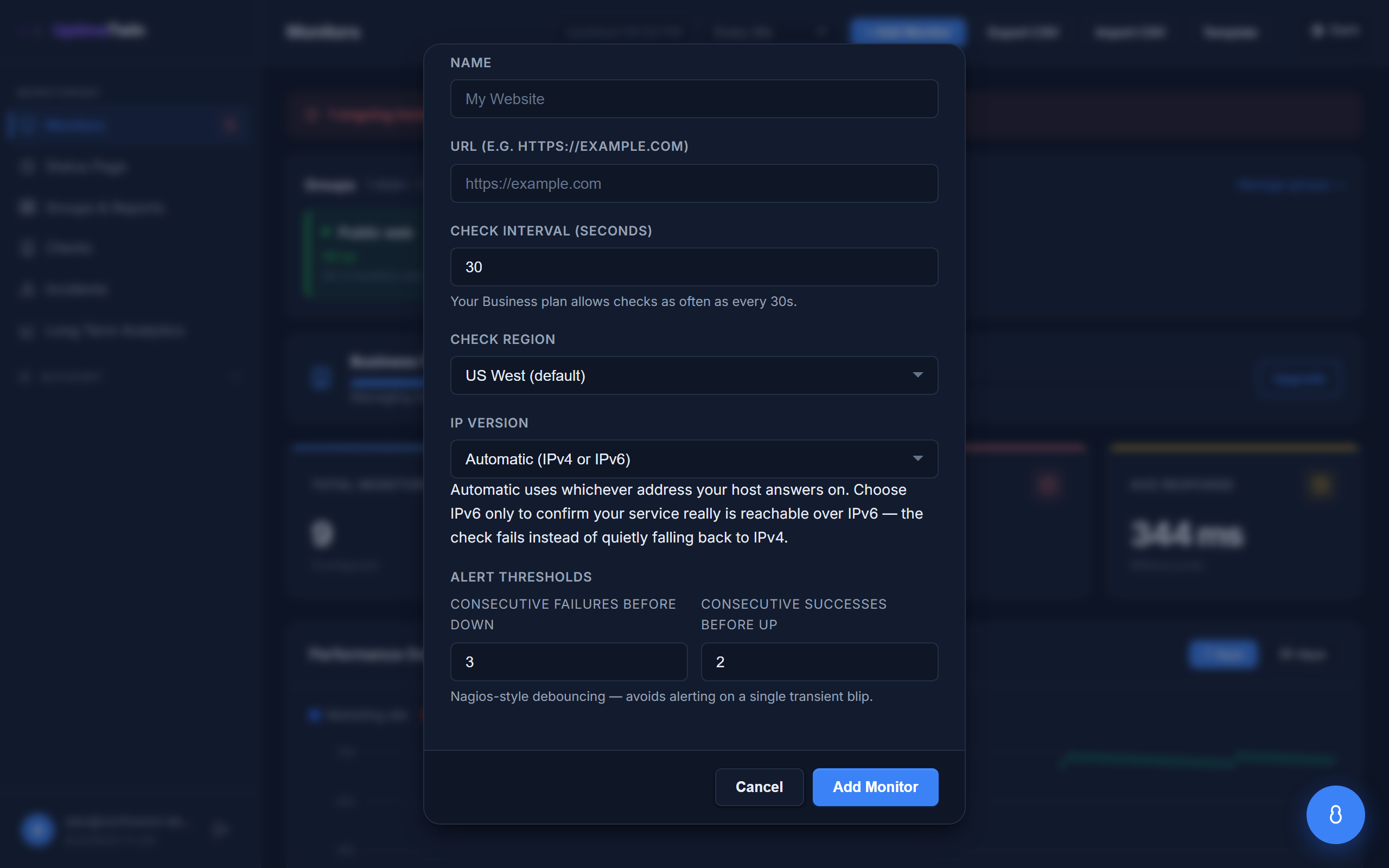 The note under the field tells you the fastest interval your plan allows, so you
don't have to look it up.
The note under the field tells you the fastest interval your plan allows, so you
don't have to look it up.
Fastest interval by plan
Each plan sets the fastest interval you can choose:
| Plan | Fastest check |
|---|---|
| Free | every 5 minutes |
| Hobby | every 2 minutes |
| Pro | every 1 minute |
| Business | every 30 seconds |
| MSP | every 30 seconds |
You can always check less often than the limit — set any interval up to 24 hours — but not faster than your plan allows. Need it faster? See Plans & limits.
Choosing an interval
- For customer-facing sites, faster is usually better — 1 minute is a good target.
- For things that change slowly, like a domain or SSL certificate, a long interval (even once a day) is plenty. These monitors don't need frequent checks to do their job.
Special case: synthetic transactions
Transaction monitors run at most once every 60 seconds, on every plan — including the plans that check everything else every 30 seconds. A transaction can spend up to 25 seconds walking its steps, so a faster interval would start the next run before the last one had finished and quietly skip checks. Like the port 25 floor below, it is a technical limit rather than something a plan unlocks.
Special case: SMTP (port 25)
TCP monitors on port 25 run at most once every 2 minutes, on every plan. Checking a mail port more often can trip anti-spam protections and cause false alerts. See TCP & UDP port monitors for the details.
Special case: large sites that block automated checks
Some very large consumer sites — search engines, major retailers, social networks — actively rate-limit or block traffic from datacenter networks, which is where every uptime monitoring service checks from, ours included.
If you add a monitor for one of these, we'll tell you before it's created, and the monitor runs at most once every 5 minutes on every plan. Two other things change for it as well:
- We don't send response-time alerts for it. These sites sit behind large content delivery networks whose response times vary far more than a normal origin server's, so a "running slow" alert against one would be noise rather than signal.
- Being rate-limited is recorded as throttled, not down. If the site answers with "too many requests", it is up and declining us — that isn't an outage and won't page you.
This is a fixed technical limit rather than a plan restriction, and no plan raises it. It protects the monitor from false alarms, and it protects the sending reputation of the addresses your other monitors check from.
If a site refuses our checks persistently, we pause the monitor and email you an explanation rather than retrying indefinitely. You can re-enable it at any time — and if it's your own site, allow-listing our checkers resolves it for good. See allowing our checkers through your firewall.
Get started
Related
Last updated 2026-10-12