The UptimeTwin connector (MCP)
Connect Claude, Cursor, or your own scripts to read and manage your monitors in plain language.
The UptimeTwin connector lets an AI assistant — like Claude or Cursor — read and manage your monitors for you, in plain language. It's built on MCP (Model Context Protocol), the open standard AI apps use to talk to outside tools, and it's available on every plan.
Ask "which of my sites are down right now?" or "add an SSL check for acme.com and alert me a week before it expires," and your assistant does it through your UptimeTwin account.
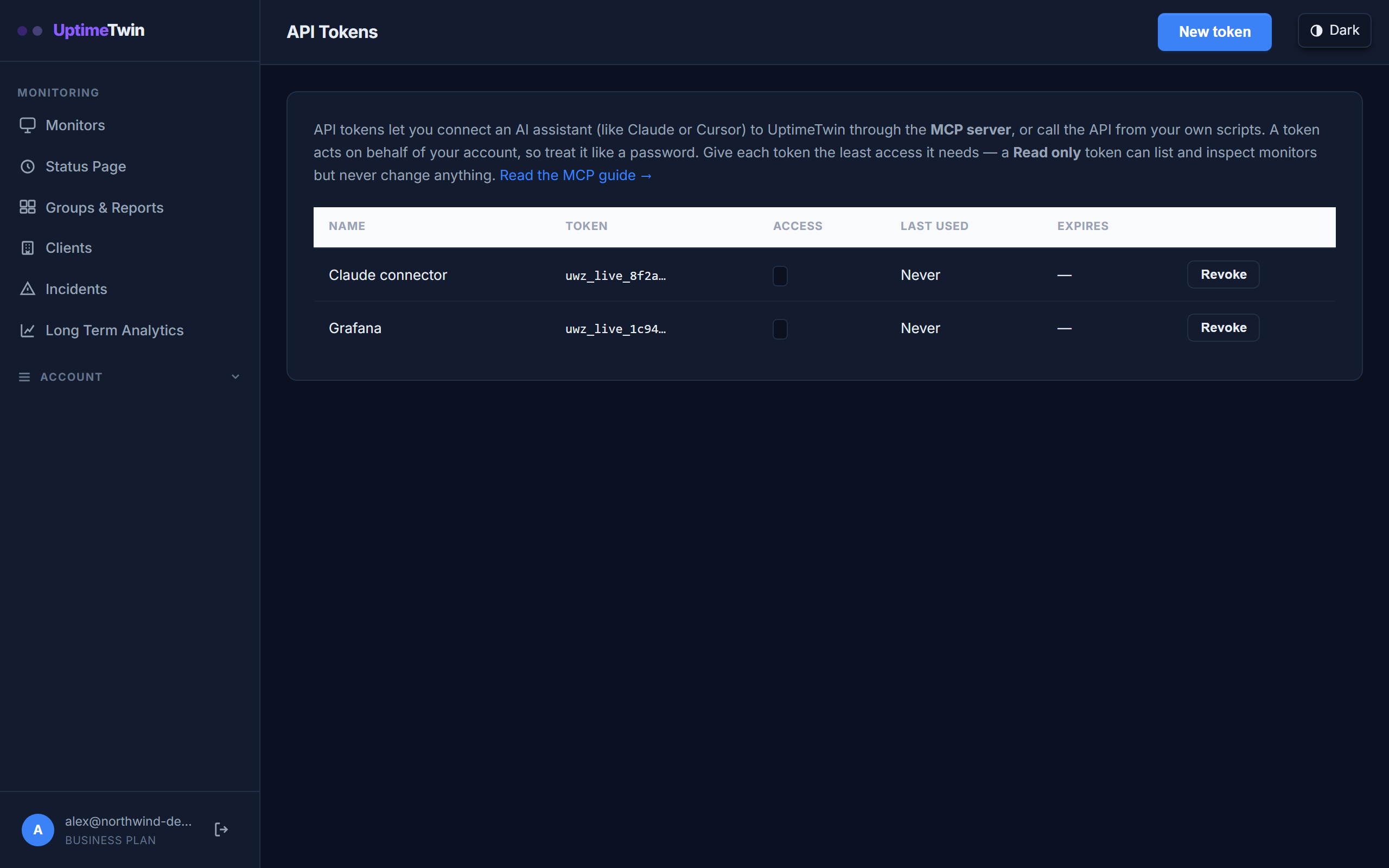 The connector signs in with an API token you create here. Give each assistant its
own token so you can revoke one without disturbing the others.
The connector signs in with an API token you create here. Give each assistant its
own token so you can revoke one without disturbing the others.
What you can do
| You can | For example |
|---|---|
| See how everything is doing | "Is anything down right now?" |
| Look up a monitor's details and history | "What's the status of my API monitor?" |
| Review recent incidents | "What went down this week?" |
| Add a monitor | "Watch https://acme.com every minute." |
| Change a monitor | "Slow the staging check to every 5 minutes." |
| Pause or resume a monitor | "Pause the marketing site while we deploy." |
| Run a check on demand | "Check the API right now." |
| Add a webhook alert (Pro, Business and MSP) | "Send alerts to our Teams channel." |
What it can't do
The connector can never delete a monitor — on any plan. Deleting is always done by you, in the dashboard. That's a deliberate safety line: even if you (or an assistant) ask, the connector has no way to remove a monitor.
You also decide how much access each connection gets. A read-only token can look at your monitors but can't change anything; a read & write token can also add, edit, pause, and resume them.
What you need
- An UptimeTwin account on any plan. On the Free plan the connector has its own allowance of 300 requests, usable during the account's first 14 days; each request your assistant makes through the connector uses one, and the Incidents page shows how many are left. Paid plans include a monthly allowance of connector calls, with no time limit, that resets on the 1st (UTC). Compare plans.
- An API token — this is how a connection signs in to your account. Create one.
- An MCP-capable client, like Claude or Cursor.
Get started
- Create an API token with the access you want.
- Connect your assistant:
- See everything the connector can do.
Related
Last updated 2026-10-12