Getting support
How to reach us and what to include so we can help fast.
If you're stuck or something isn't behaving, we're here to help. The fastest way to reach us is through support, right from your account.
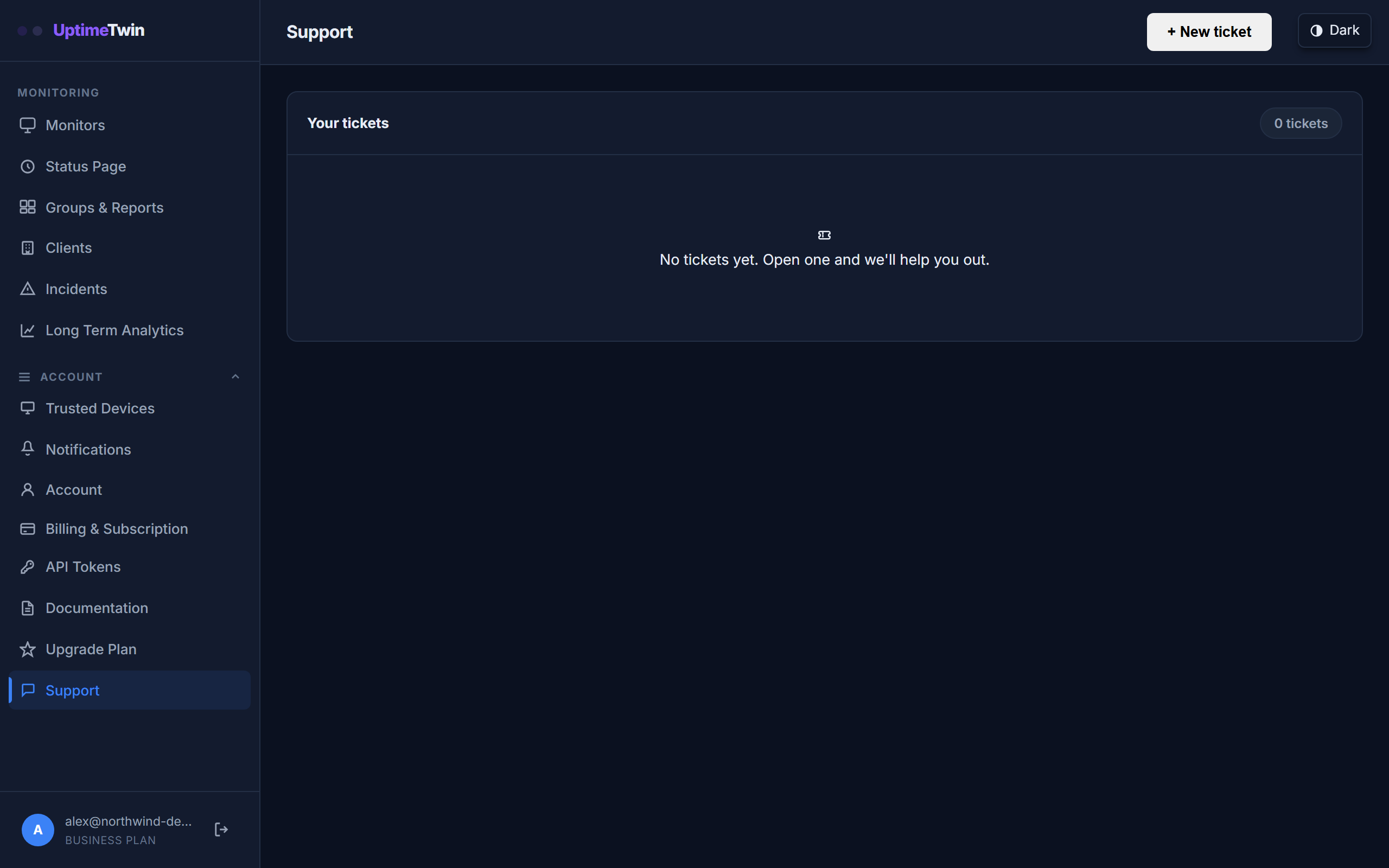 Opening a ticket here attaches your account details automatically, so you don't
have to explain which monitors you mean.
Opening a ticket here attaches your account details automatically, so you don't
have to explain which monitors you mean.
Opening a support ticket
Pro, Business and MSP include support tickets with first-reply targets. Open one from your account (Settings → Support → New ticket), describe what's happening, and track our replies in the same place. On these plans a request must be submitted as a ticket to carry a response time: a ticket is tied to your account, so we can see your monitors, and it's the only thing the targets below apply to. Email and the contact form carry no response time.
Free and Hobby are not covered by the targets or by the availability target on the service levels page. On those plans, reach us through the contact form and we'll answer as time allows.
Choosing a severity
Pick the severity that matches what's happening. It sets how quickly a person replies.
| Severity | When to use it | Coverage | First reply |
|---|---|---|---|
| Sev A (Critical / P1) | Critical system down. Complete loss of core business functionality with no immediate workaround, affecting all or most users, or a suspected security breach | 24/7/365 | Within 2 hours |
| Sev B (Major / P2) | Severe degradation. Core functions work but are heavily impaired, or a critical feature is broken for a large group of users | Business hours | Within 8 business hours |
| Sev C (Minor / P3) | Partial degradation. Minor operational impact: the service works, but non-essential features or individual users face issues | Business hours | Within 1 business day |
| Sev D (Cosmetic / P4) | General inquiry or request. Enhancements, documentation errors or general questions with no impact on production | Business hours | Within 2 business days |
Sev A is for emergencies. Only use in an emergency: the service is down for all or most of your users, or you suspect a security breach. A Sev A ticket pages our on-call engineer. If one monitor is misbehaving while the rest of the service works, that's Sev B or Sev C.
These are targets for a first reply from a person, not a guarantee and not a resolution time. Only Sev A runs around the clock. Business hours are 8 a.m. to 5 p.m. US Pacific time, Monday to Friday, excluding United States federal holidays. See service levels for the full picture, including our availability target.
What to include
You'll get a faster, more useful answer if you tell us:
- Which monitor — its name and type.
- What you expected versus what actually happened.
- When it started, and whether it's constant or intermittent.
- Any error text shown on the failing check (for example, "connection timed out" vs "could not resolve host" — these point at very different causes).
Before you reach out
A quick self-check often solves it faster:
- If a monitor shows down but the service is up, confirm our checkers can reach it — see Allowing our checkers through your firewall.
- If a monitor flaps on and off, review its alert thresholds and whether something is rate-limiting our connections.
Get started
Related
Last updated 2026-10-14