What is UptimeTwin?
A quick overview of what UptimeTwin watches and how it lets you know when something breaks.
UptimeTwin watches your sites, servers and services from two independent clouds and confirms a failure before it alerts you. Within your plan's AI allowance, the alert is followed by an AI write-up of the likely cause and what to check first.
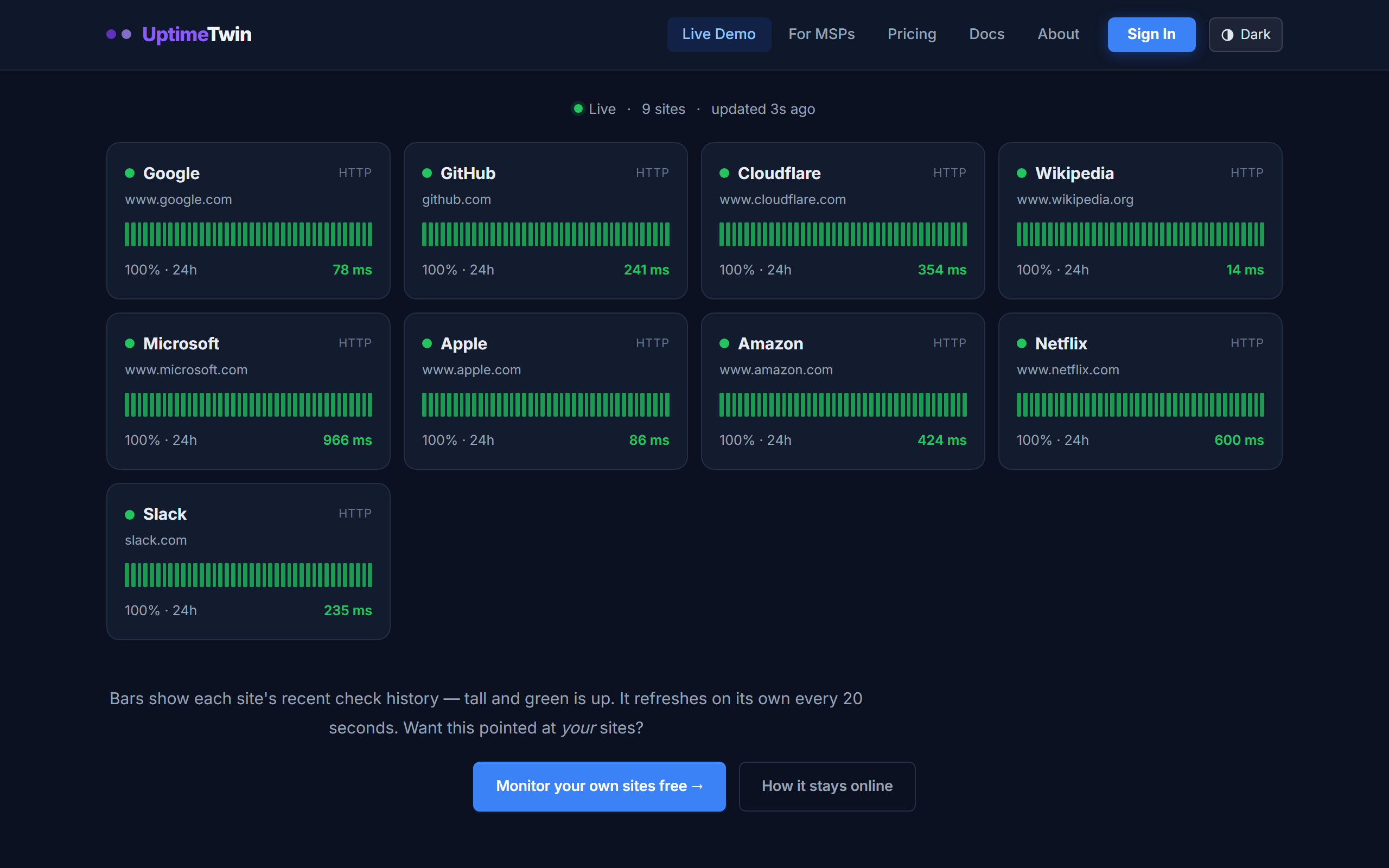 This is the live demo — the same board you get, pointed at nine well-known
sites. Each bar is one check; tall and green means the site answered.
This is the live demo — the same board you get, pointed at nine well-known
sites. Each bar is one check; tall and green means the site answered.
What it does
- Checks your services on a schedule from our monitoring network — the U.S. by default, with other regions available on Pro, Business and MSP.
- Alerts you when something goes down, and again when it recovers — by email on any plan, and by Microsoft Teams, Google Chat or a webhook on Pro, Business or MSP.
- Tracks history so you can see uptime percentages and response-time trends over days, weeks, and months.
- Watches the details that bite you later — expiring SSL certificates, expiring domains, and cron jobs that quietly stop running.
What you can monitor
You create monitors — each one is a single thing we check. UptimeTwin supports nine monitor types, from a simple website check to a push-based heartbeat for your backup scripts. See Monitor types for the full list.
How alerting stays quiet
A single blip in the middle of the night shouldn't wake you up. UptimeTwin only raises an alert after a service fails several checks in a row, and it never spams — you get one notification when a problem starts and one when it clears. You control how sensitive this is per monitor. See How alerts work.
Get started
Related
Last updated 2026-10-12